A ‘dark web number list’ can mean leaked telephone-number records or a directory of .onion services requiring Tor.[1][2] For legitimate hidden services, verify addresses through the operator’s authenticated HTTPS site or the Tor Project directory; current v3 addresses contain 56 letters and numbers before ‘.onion,’ while obsolete 16-character addresses no longer work.[2][3][4]
What Does “Dark Web Number List” Actually Mean?
The term 'dark web number list' can refer to three main concepts: viral phone numbers, leaked phone numbers from data breaches, and .onion addresses for hidden services. It's essential to know that there's no official directory of secret or haunted dark-web phone numbers.
Viral phone numbers often circulate online, sometimes linked to scams or hoaxes. For instance, the infamous ‘555’ numbers are reserved for fictitious uses in entertainment, while only a small range, like 555-0100 to 555-0199, are designated as non-working numbers for that purpose[5].
Leaked phone numbers arise from data breaches, where personal information is exposed. Such breaches can result in unauthorized use of phone numbers for phishing or SIM swapping attacks. The Federal Communications Commission (FCC) warns that scammers can easily spoof caller ID, making it crucial to be cautious about returning calls from unknown numbers[6].
On the other hand, .onion addresses are crucial for accessing hidden services on the Tor network. These addresses are not indexed by traditional search engines and require special software to access. A current v3 onion address contains 56 characters, such as “3g2upl4pq6kufc4m.onion”, while outdated v2 addresses have only 16 characters and are no longer functional[3].
To illustrate the difference clearly, consider an international phone number like +44 20 7946 0958, which is formatted for calling the UK, versus a v3 onion address that looks completely different and is only accessible through the Tor Browser.
When navigating these resources, remember to verify any .onion address through authenticated sources, like the Tor Project’s directory, to avoid scams or malicious sites[4].
Verified Dark Web Resources and Onion Addresses
For those venturing into the dark web, knowing legitimate resources is crucial. Here’s a curated table of verified .onion addresses, ensuring you access trusted services without falling into the trap of scams or malicious sites.
| Purpose | Official Organization | Onion Address Type | Official Clearnet Verification Source | Date Last Checked |
|---|---|---|---|---|
| Tor Project | Tor Project | v3 | onion.torproject.org | October 2023 |
| Secure communication | SecureDrop | v3 | securedrop.org | October 2023 |
| Privacy-focused search tool | DuckDuckGo | v3 | duckduckgo.com | October 2023 |
| News reporting | The Guardian | v3 | theguardian.com | October 2023 |
| Whistleblower platform | WikiLeaks | v3 | wikileaks.org | October 2023 |
Important Notes
- Verification is Key: Always verify .onion addresses through the official organization's clearnet site or their own SecureDrop landing page. This helps avoid phishing attempts and other scams[4][7].
- Current Address Format: Ensure you're using the latest v3 addresses, consisting of 56 characters. The older v2 addresses are no longer functional[3].
- Secure Browsing Practices: The Tor Browser offers security features like disabling JavaScript by default at its highest security level, which is vital for safe navigation[8].
Remember, while exploring the dark web can be intriguing, it’s essential to tread carefully. Stick to verified resources, and always double-check addresses before diving in. This approach helps ensure a safer experience in the hidden corners of the internet.
How to Access an Onion Resource Safely
Accessing hidden resources on the dark web requires careful steps to ensure your safety and privacy. Here’s a beginner-friendly sequence to help you navigate this territory securely.
Download Tor Browser
Visit the official website at torproject.org to download the Tor Browser. This browser is essential for accessing .onion sites safely.Verify the Download
After downloading, check the OpenPGP .asc signature included with the Tor Browser. You can compare it with the Tor Browser Developers signing-key fingerprint, which is EF6E286DDA85EA2A4BA7DE684E2C6E8793298290. This step helps ensure you have the official version and not a modified installer[9].Install Tor Browser
Follow the installation instructions provided on the Tor Project site. Ensure you’re not installing any random “dark web app,” as these can be risky.Connect to the Tor Network
Open the Tor Browser and click on “Connect.” This will establish a secure connection to the Tor network, allowing you to access .onion sites.Use a Verified .onion Address
Paste the verified .onion address directly into the address bar. Remember, .onion addresses can only be resolved through the Tor network; regular browsers cannot access them[2].Avoid External Links
Once you’re on a .onion site, be cautious about clicking on any links that lead outside of Tor. Opening downloaded documents in external applications can trigger internet requests outside of Tor, potentially compromising your identity[10].Adjust Security Settings
Consider setting the Tor Browser to its highest security level. This disables JavaScript by default, providing an extra layer of protection while browsing[8].
By following these steps, you can explore the dark web’s hidden resources while minimizing risks. Always prioritize verifying addresses and using trusted sources to enhance your safety online.
How to Verify a Dark Web Address Before Opening It
Verifying a dark web address is crucial to ensure you’re accessing legitimate sites and not falling victim to scams. A valid .onion address has specific characteristics, but just looking at its length isn't enough.
Modern v3 .onion addresses contain 56 characters before the ‘.onion’ suffix. For example, an address like “3g2upl4pq6kufc4m.onion” follows this format. However, a valid-looking length alone doesn’t guarantee legitimacy. Scammers can easily create fake addresses that mimic real ones.
To ensure you're visiting a trustworthy site, follow this verification checklist:
Exact Spelling: Compare the .onion address with the one available on the organization’s official website. Typos or slight variations can lead to phishing sites.
Official Source: Check if the address is listed on the organization’s verified social media profiles or their SecureDrop landing page. For instance, you can find SecureDrop addresses in the SecureDrop Directory[7].
HTTPS Where Available: Look for sites that use HTTPS, which indicates a secure connection. The Tor Project emphasizes that valid onion services encrypt traffic end to end and authenticate the exact .onion name shown in your browser[4].
Redirects: Be cautious of sites that redirect you to different URLs. Legitimate services typically maintain a consistent address.
Requests for Credentials or Cryptocurrency: If a site asks for personal information, login credentials, or cryptocurrency payment upfront, think twice before proceeding. Legitimate services usually do not request such information in an unsafe manner.
By following these steps, you can minimize the risk of encountering malicious sites while exploring the dark web. Always verify addresses through trusted sources, and remember that caution is your best ally in the hidden corners of the internet.
Are Scary and Haunted Phone Number Lists Real?
Scary and haunted phone number lists are largely myths and urban legends. Popular tales often include ‘red numbers,’ 3 a.m. calls, and so-called Bloody Mary numbers, which are said to lead to eerie or supernatural experiences. However, these are mostly folklore, recycled anecdotes, or traps designed to provoke callbacks.
Common Myths
Red Numbers: These numbers are often rumored to be associated with dark web activities or supernatural events. However, academic literature classifies these “red rooms” as common myths, with no verified instances documented[11].
3 a.m. Calls: Stories of receiving disturbing calls at odd hours fall into the realm of urban legend. While they can be unsettling, they rarely have any basis in reality.
Bloody Mary Numbers: These numbers, believed to invoke a spirit or curse when called, are just part of the folklore surrounding the Bloody Mary legend. They serve more as entertainment than genuine threats.
Premium-Rate Traps: Some lists include numbers that charge exorbitant fees when called. The FCC warns that one-ring or Wangiri scams entice victims to call back numbers that may look familiar but are actually costly international connections[12].
555 Numbers: In North America, only 555-0100 through 555-0199 are reserved for fictitious use, primarily in media and advertising[5]. Other 555 numbers are not automatically fictional, so caution is advised.
What to Remember
When encountering haunted phone number lists, it’s essential to recognize them for what they are: entertainment and myth rather than genuine resources. Always approach such claims skeptically. If a number seems suspicious or is linked to a dark web claim, it’s best to avoid it entirely.
In summary, while the idea of scary phone numbers can be thrilling, they generally stem from folklore and are not to be taken seriously. Instead of chasing these myths, focus on verified resources and legitimate services when exploring the dark web.
What If Your Phone Number Is Found on the Dark Web?
Finding your phone number on the dark web usually indicates that it has appeared in a data breach, credential dump, or a marketing list. It doesn't mean that someone is actively monitoring you through the dark web. Understanding what to do next is crucial for securing your personal information.
Immediate Actions to Take
If you discover your phone number on the dark web, prioritize the following actions:
Secure Your Email and Carrier Account
Change passwords for your associated email accounts immediately. Use unique, complex passwords for each account to minimize risk.Enable Multi-Factor Authentication (MFA)
Adding MFA adds an additional layer of security. This step is especially important for your email and carrier account, as attackers can use stolen information to access your services[13].Set Up a Carrier PIN or Port-Out Lock
Contact your mobile carrier to set up a PIN or lock that prevents unauthorized porting of your number to another device. This can help thwart SIM-swapping attempts.Monitor for SIM-Swap Attempts
Be vigilant for signs of SIM swapping, such as sudden loss of mobile service or receiving unexpected verification codes. If your service drops unexpectedly, contact your carrier immediately.Be Wary of Verification Code Requests
If you receive unsolicited requests for verification codes, treat them with skepticism. Scammers often use these tactics to gain access to your accounts.
Warning Signs to Watch For
Keep an eye out for these indicators that could signal a serious issue:
- Sudden Loss of Mobile Service: If your phone suddenly stops working, it could be a sign of a SIM swap.
- Unsolicited Password-Reset Messages: Receiving unexpected password resets can indicate someone is trying to access your accounts.
Taking these steps can mitigate potential risks associated with your phone number being found on the dark web. Remember, while it may seem alarming, many such occurrences are simply the result of data breaches and not direct threats. Stay proactive, and keep your information secure.
Risks to Avoid When Using Dark Web Lists
Navigating dark web number lists can be fraught with dangers. Understanding these risks is crucial to protect yourself from scams and malicious activities.
Phishing Clones and Fake Directories
Phishing attempts are rampant on the dark web. Scammers often create fake directories that mimic legitimate resources, aiming to steal personal information. Always verify addresses through trusted sources. For example, the Tor Project suggests checking an .onion address against an organization’s official site before accessing it[4].
Malicious Downloads
Downloading files from unverified sources can expose you to malware. The Tor Browser warns against opening downloaded documents in external applications, as they can trigger internet requests that compromise your anonymity[10]. Stick to verified files and avoid downloading anything unless you trust the source.
Outdated Onion Links
Using outdated .onion links can lead to dead ends or expose you to malicious entities. Current v3 onion addresses consist of 56 characters and are the only ones supported on today’s Tor network[3]. Avoid any references to old v2 addresses, as they are no longer functional.
Doxxing Risks
Doxxing is the act of publicly revealing private information. Engaging with unknown contacts or sharing personal details can put you at risk. Always maintain anonymity, and never share sensitive information even in seemingly safe environments.
Illegal Content and Premium-Rate Calls
Accessing illegal materials can lead to serious legal consequences. Laws vary by jurisdiction, and just because you can access something doesn’t mean it’s legal to do so. Additionally, some dark web numbers are premium-rate numbers that can lead to hefty charges when called[12].
Social-Engineering Requests
Be wary of any requests for personal details or cryptocurrency payments. Legitimate services typically do not ask for sensitive information in unsafe manners. If a site prompts you for such information upfront, it's a red flag.
Recommended Actions
To minimize risks while exploring dark web resources:
- Do not call unknown numbers or engage with suspicious contacts.
- Avoid submitting personal details or reusing passwords across sites.
- Refrain from downloading files unless you are certain of their safety.
- Do not send cryptocurrency without verifying legitimacy.
- Keep Tor Browser protections enabled to maintain your security.
By being aware of these risks and following these recommendations, you can navigate the dark web more safely. Remember, accessing Tor does not equate to having permission to access illegal content, so always tread carefully.
Quick Safety Checklist for Numbers and Onion Links
Before calling a number or clicking on a hidden-service link, it's essential to make sure you're not stepping into a trap. Use this checklist to evaluate the safety of your actions and minimize risks.
Safety Checks
Source Ownership
- Verify the ownership of the number or .onion link. Is it associated with a reputable source? Look for official announcements or confirmations from established organizations.
Independent Confirmation
- Check for independent verification of the number or link. For example, if you found an onion address, compare it with the one listed on the organization's official website or their SecureDrop landing page[7].
Personal Data Requests
- Be wary of any requests for personal information. Legitimate services rarely ask for sensitive data upfront. If a site demands such information, it’s likely a scam.
Payment Demands
- Watch out for services insisting on upfront payments, especially in cryptocurrency. Legitimate operations typically do not require payment before providing a service.
File Downloads
- Avoid downloading files unless you're certain they're safe. Opening documents in external applications can expose you to malware or internet requests outside Tor[10].
Legality
- Ensure that the content you’re accessing is legal in your jurisdiction. Just because something is available doesn’t mean it’s permissible.
Exit Plan
- Always have an exit strategy. Know how to disconnect from the site or service quickly if things feel off. It’s better to be safe than sorry.
Risk Labels
Lower Risk
- Verified .onion addresses found through official channels. Example: An address listed on the Tor Project's directory[2].
Unclear Risk
- Numbers or links that lack verification but don’t raise immediate red flags. Example: A newly surfaced .onion address without independent confirmation.
High Risk
- Unknown numbers or .onion links that request personal data or payments upfront. Example: Any number associated with claims of illegal activities or dubious services.
By following this checklist, readers can navigate the murky waters of the dark web more safely. Remember, staying cautious is key in these hidden corners of the internet.
Dark Web Resources Directory and Risk Assessment
| Resource Type | Onion Address | Clearnet Verification | Last Checked | Risk Level |
|---|---|---|---|---|
| Verified Onion Service | .onion example 1 | example.com/verified | 2023-10-01 | Lower Risk |
| Verified Onion Service | .onion example 2 | example.com/verified | 2023-09-15 | Lower Risk |
| Unknown Real Number | 123-456-7890 | N/A | Depends on source | Unclear Risk |
| Fictional Number | 555-0101 | N/A | N/A | Lower Risk |
| Breached Number Alert | 987-654-3210 | N/A | Depends on breach date | High Risk |
| Unverified Onion Address | .onion example 3 | N/A | Depends on source | High Risk |
| Premium-Rate Number | 900-123-4567 | N/A | N/A | High Risk |
| Red Room Number | N/A | N/A | N/A | High Risk |
Common Mistakes and Misconceptions
The biggest mistakes begin when one label is treated as one thing.
Treating Every ‘Number List’ as a Phone Directory
- A ‘dark web number list’ does not always contain telephone numbers.
- The phrase can mean leaked phone records or numbered .onion resources[1].
- We suggest identifying the item type before calling or opening anything.
- The phone-record meaning fits breach alerts; it does not fit onion directories.
Assuming Repeated Listings Equal Independent Verification
- Finding the same onion address repeatedly does not prove ownership.
- Unofficial directories may copy one another, much like repeated neighborhood gossip.
- We recommend confirming the address through the operator’s authenticated HTTPS website or Onion-Location mechanism[4].
- Multiple unofficial copies remain one weak source, not several confirmations.
Believing a Valid Onion Format Proves Legitimacy
- A correctly formed .onion address can still belong to the wrong operator.
- Onion authentication proves that the displayed name matches its public key[4].
- It does not validate the operator’s identity, claims, or intentions.
- We verify ownership separately rather than treating cryptography as a character reference.
Using an Ordinary Browser Through Tor
- Routing a regular browser through Tor does not create Tor Browser.
- Ordinary browsers lack its anti-fingerprinting changes and may leak identifying information[14].
- We advise checking the Tor Browser download’s signature against ‘EF6E286DDA85EA2A4BA7DE684E2C6E8793298290’[9].
- This works for safer access; it does not make suspicious content trustworthy.
Assuming Every Real Number Belongs to a Dark-Web Operator
- A leaked number may identify a victim, not a hidden service.
- Calling it could expose the reader’s number or disturb another person.
- For a reader in Manchester, we would treat it as exposed personal data.
- Secure the carrier account with a PIN and MFA, while avoiding SMS-based MFA where possible[13].
Conclusions
A ‘dark web number list’ becomes useful only after identifying its contents.
- Classify the entry first. It may be a telephone number, breached record, or .onion address.
- Treat leaked numbers as personal data. Secure the related accounts rather than contacting the listed person.
- Confirm onion ownership independently. A valid-looking address proves its technical format, not the operator’s honesty[4].
- Avoid unknown calls, payments, and downloads. For Manchester readers, unfamiliar premium-rate numbers may create unexpected charges[12].
- Use verified sources. This is suitable for legitimate research; it does not make unlawful material safe or permitted.
Next, learn how to recognize and validate dark web addresses before opening any hidden service.
Related resources
These services are useful starting points for further research. Useful sites.

 Dark Web Vendors List: A Comprehensive OverviewExplore our dark web vendors list for insights on marketplaces, vendor reliability, and tips for safe navigation in the dark web.
 The Uncensored Hidden Wiki: Your Guide to the Unfiltered Dark WebExplore the uncensored Hidden Wiki to discover dark web resources safely, avoiding illegal content and protecting yourself online.
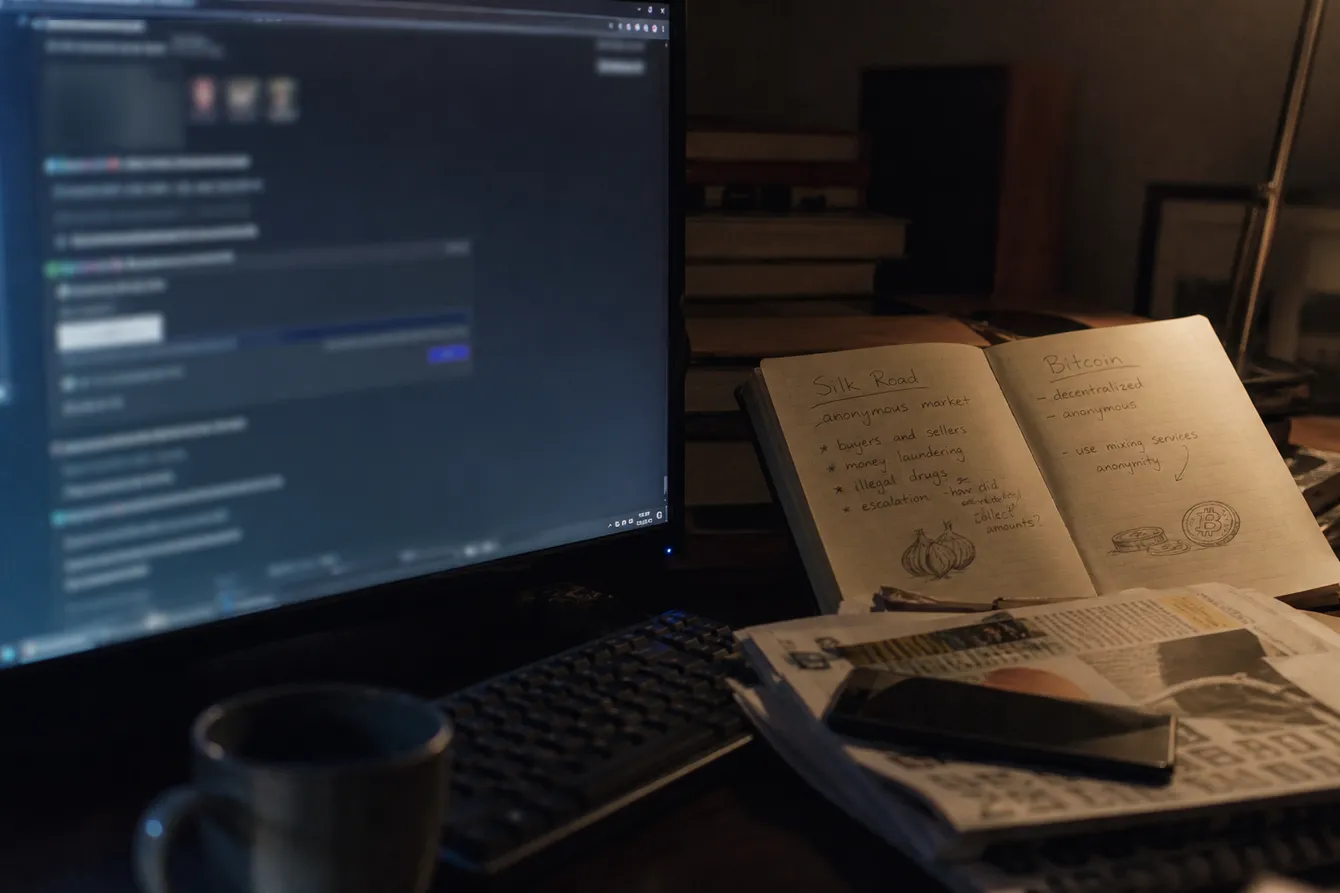 Dark Web Links Silk Road: Historical InsightsExplore the historical significance of Silk Road links in the dark web and understand their impact on online marketplaces.
 Dark web links sexDiscover safe dark web links for consensual adult content, ensuring privacy and security while exploring unique experiences.